




 3053 / 5157

PSCM
DTC Troubleshooting Guide for Nexon
Version: 1.1
Date: 21/06/2017
Author: E&E Chassis - ERC
Page: 110 of 156
Copyright ©
TATA MOTORS Ltd.
This document must not be used in any way, such as copying and redistributing to third parties, without the consent of author.
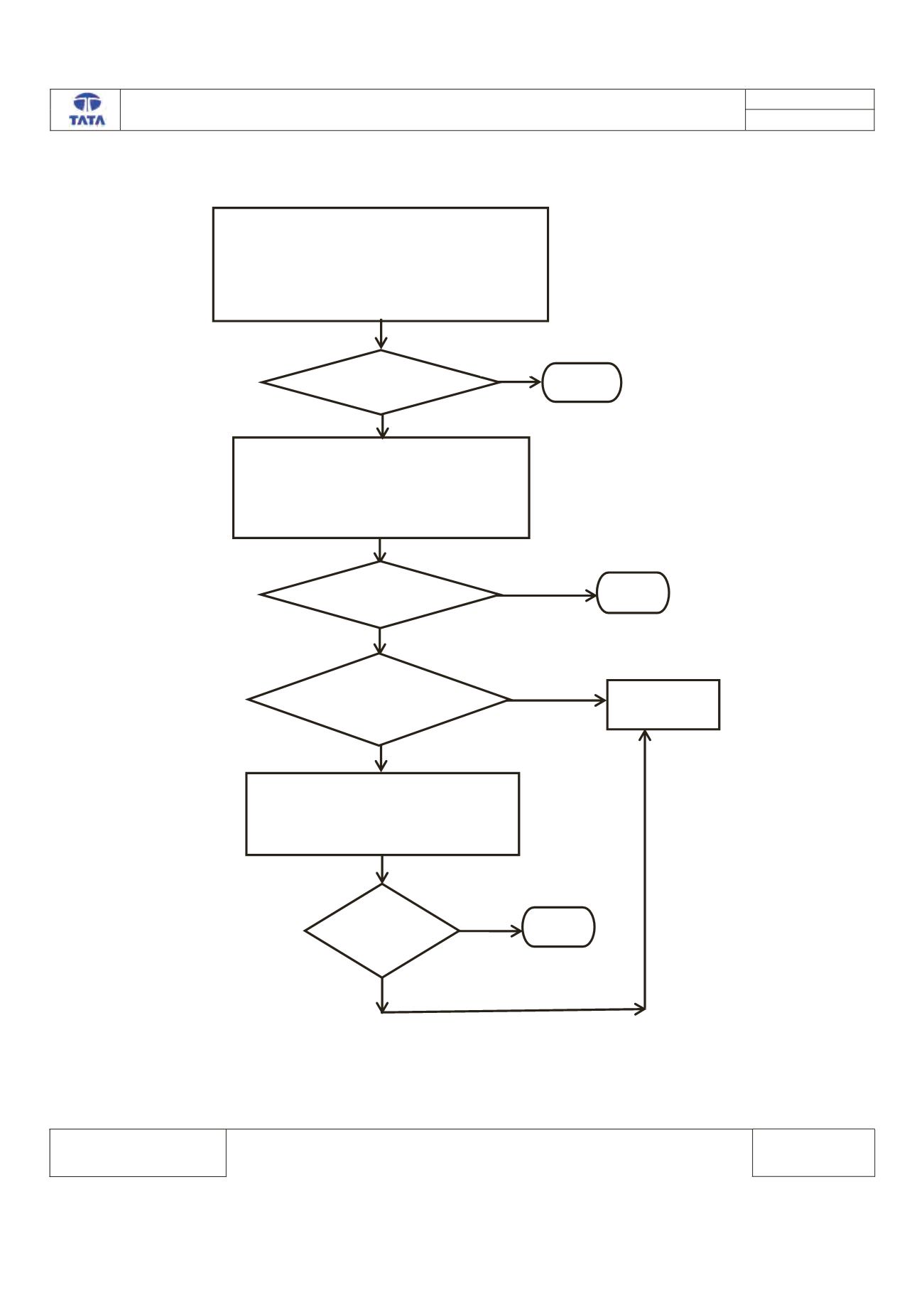
Trouble Shooting:
Yes
1. RESET THE ECU (REMOVE THE POWER PLUG
FROM ECU AND RECONNECT AFTER 5 MINUTES)
2. CLEAR THE DTC FROM THE MEMORY
3. TURN THE IGNITION SWITHCH OFF & ON
4. CHECK THE DTC
YES
YES
IS DTC PRESENT?
NO
IS NEW SOFTWARE
AWAILABLE?
REPLACE THE
ECU
STOP
NO
YES
1. REFLASH THE ECU.
2. CLEAR THE DTC FROM THE MEMORY
3. TURN THE IGNITION SWITHCH OFF & ON
4. CHECK THE DTC
IS DTC
PRESENT
STOP
NO
1. CONNECT THE TML DIAGNOSTIC TOOL.
2. TURN THE IGNITION ON.
3. CHECK THE STATUS OF DTC’s (MENORIZED/CURRENT)
4. RECORD THE DTC AND CLEAR.
5. TURN IGNITION OFF & ON.
6. VERIFY IF DTC C131A-04 IS PRESENT
IS DTC PRESENT?
No
STOP